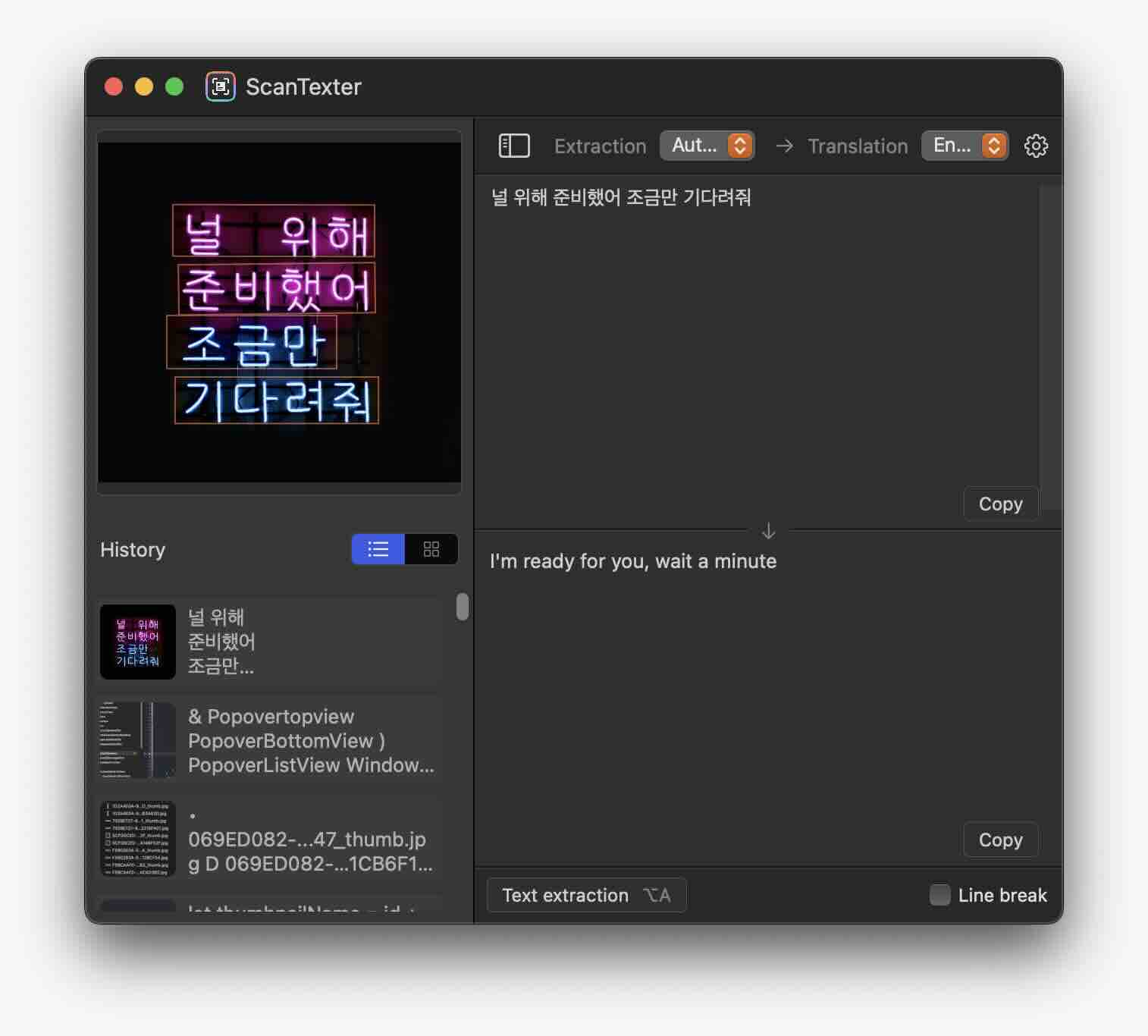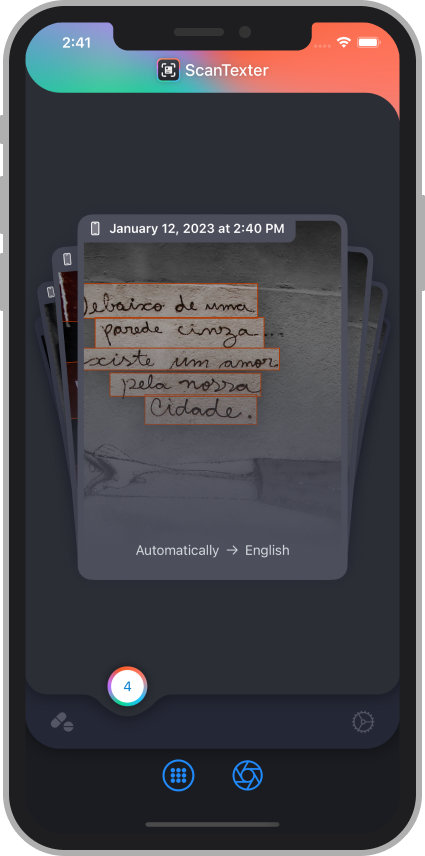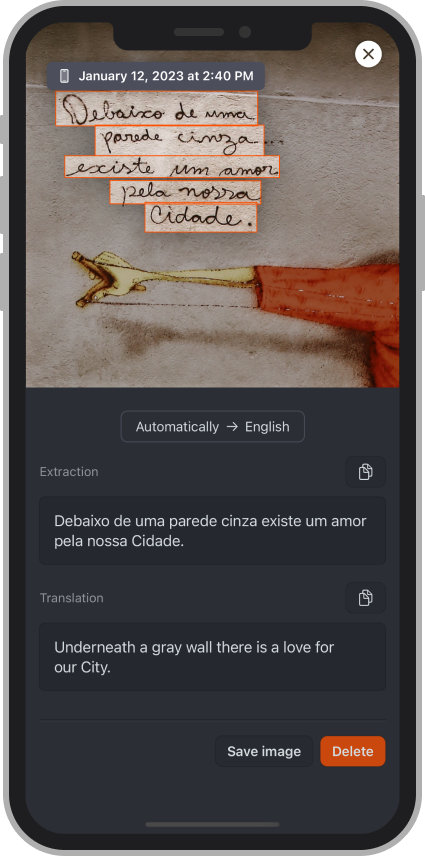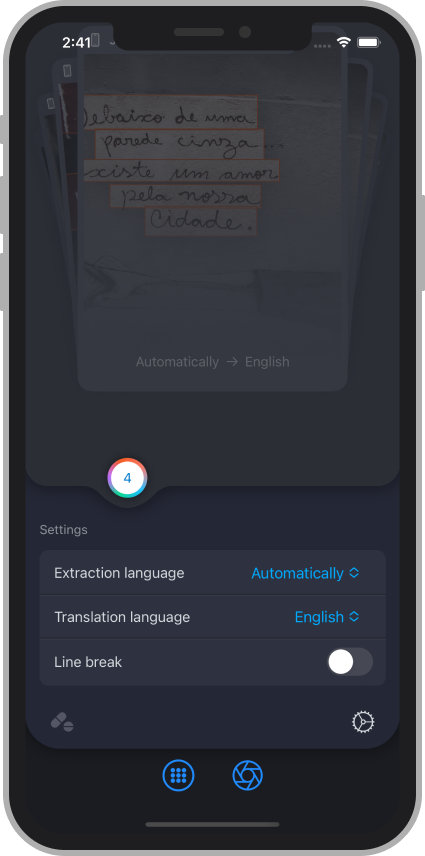
Capture and translate any text on your Mac
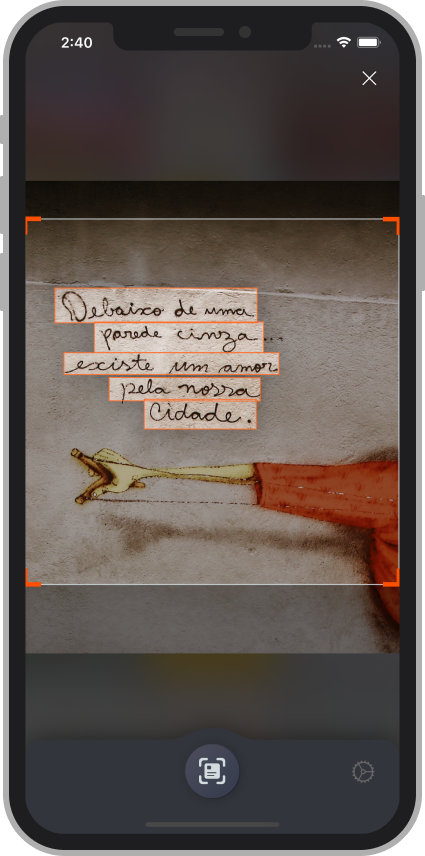
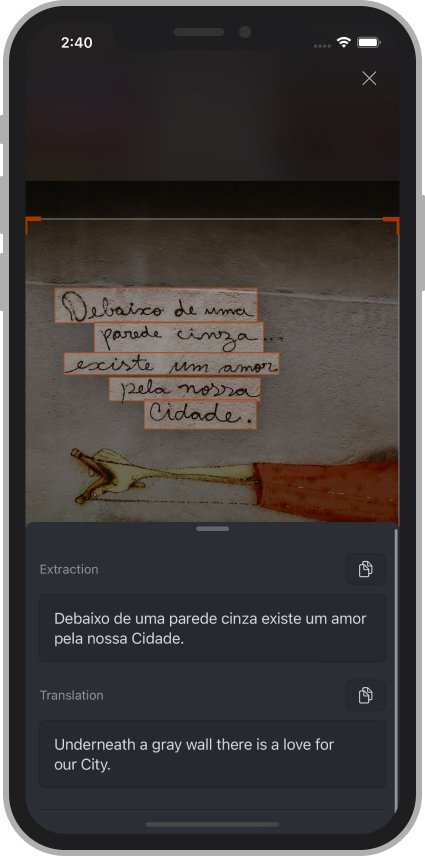
Select any area of your screen to extract and translate text instantly.
ScanTexter turns text in apps, images, and video frames into editable content without
copying it by hand.

Fast OCR workflow
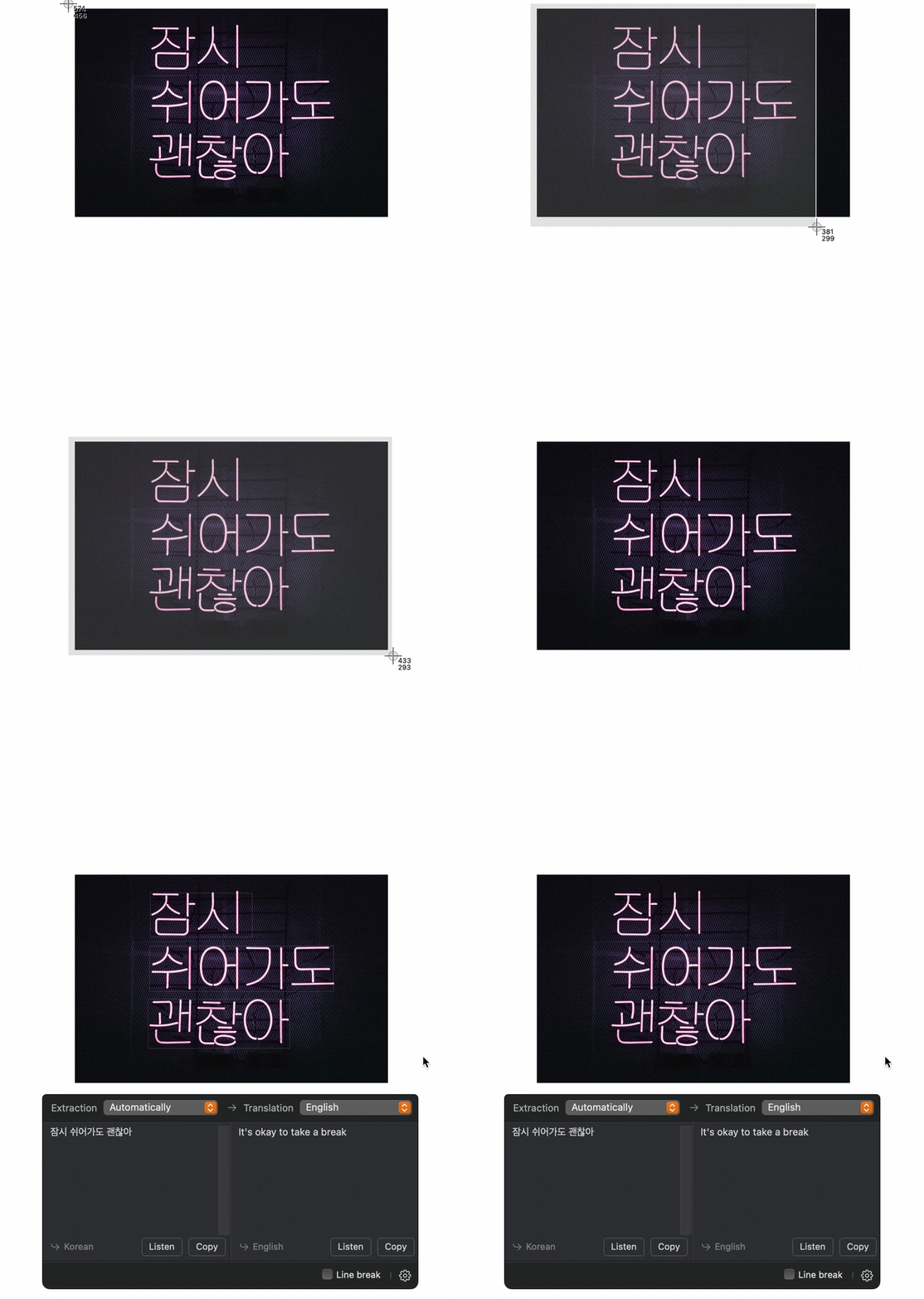
Capture, extract, and translate in one step.

One keyboard shortcut
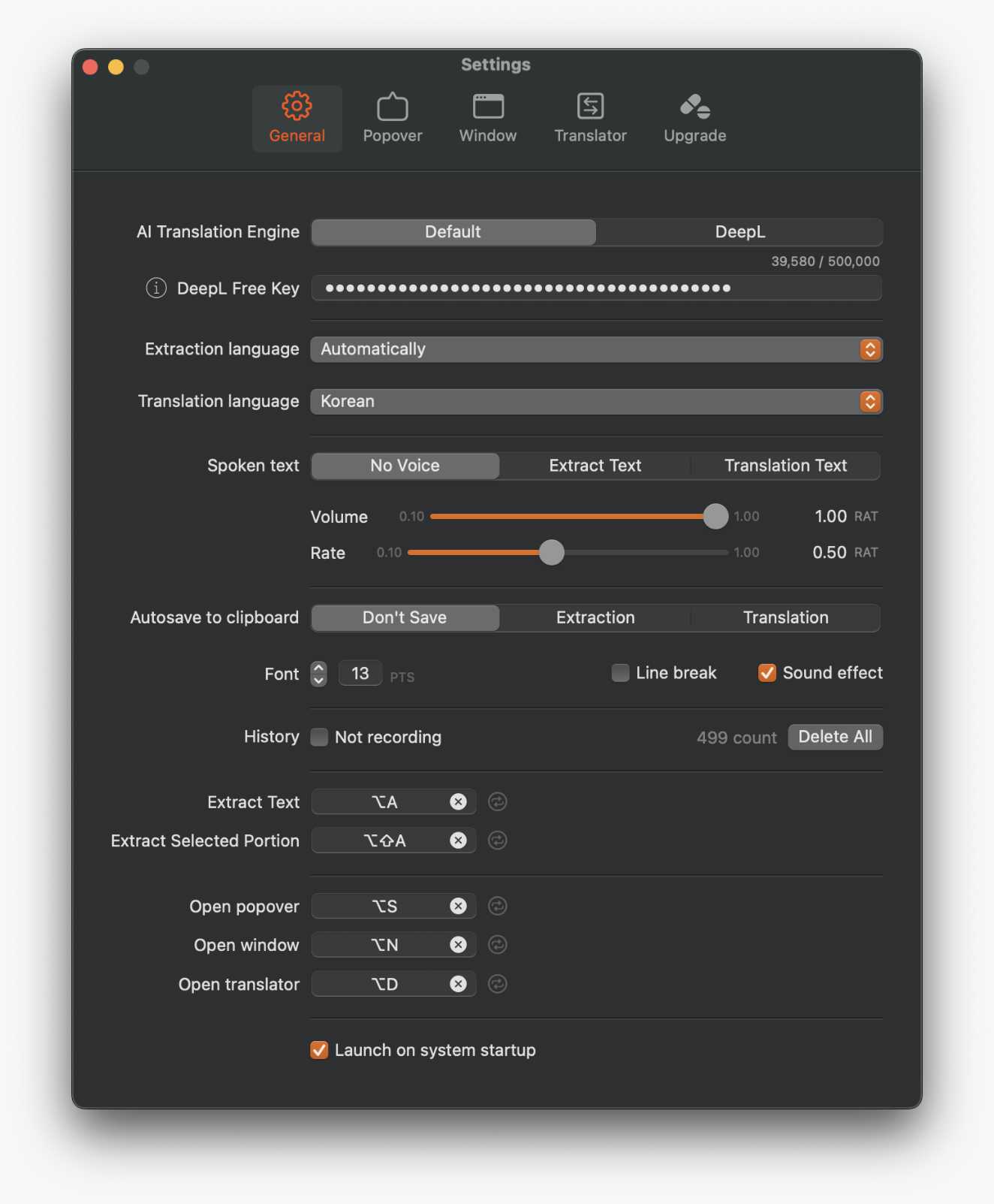
Press Control-A, then select the text area you need.

Flexible display modes
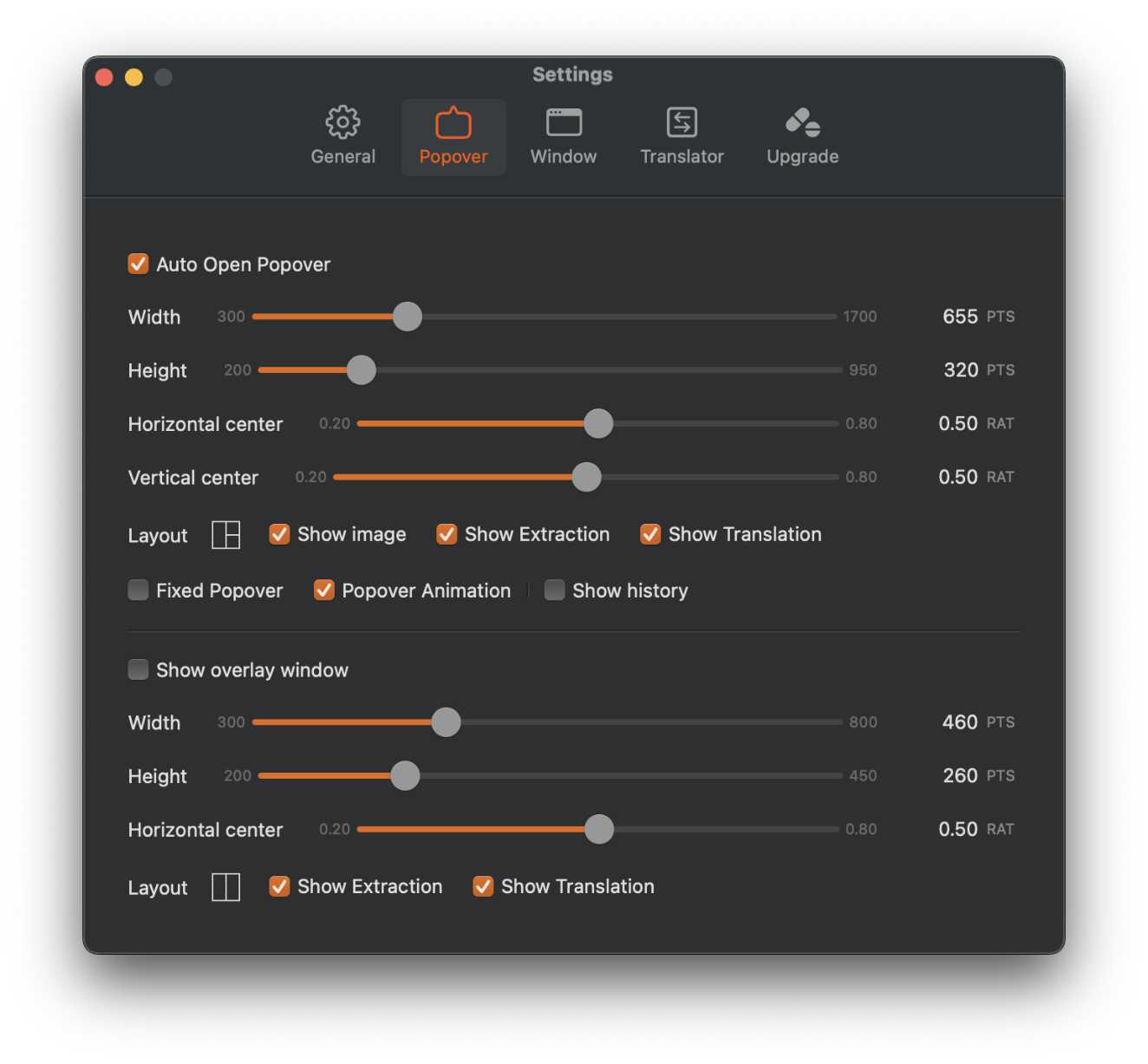
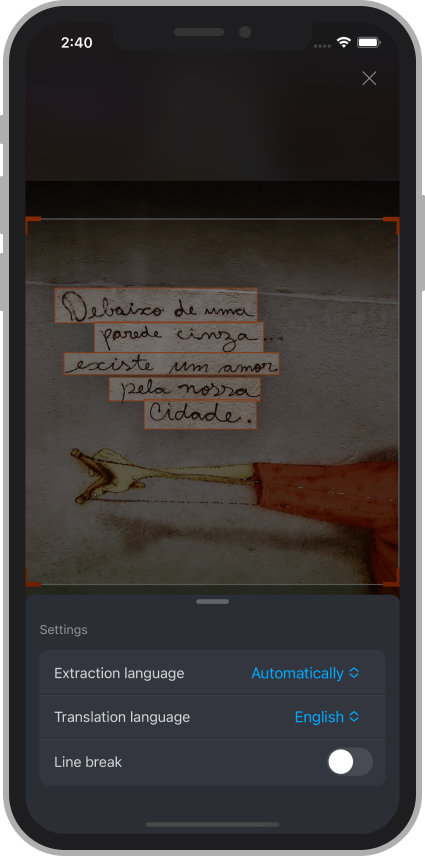
Choose a popover, overlay, or separate window.
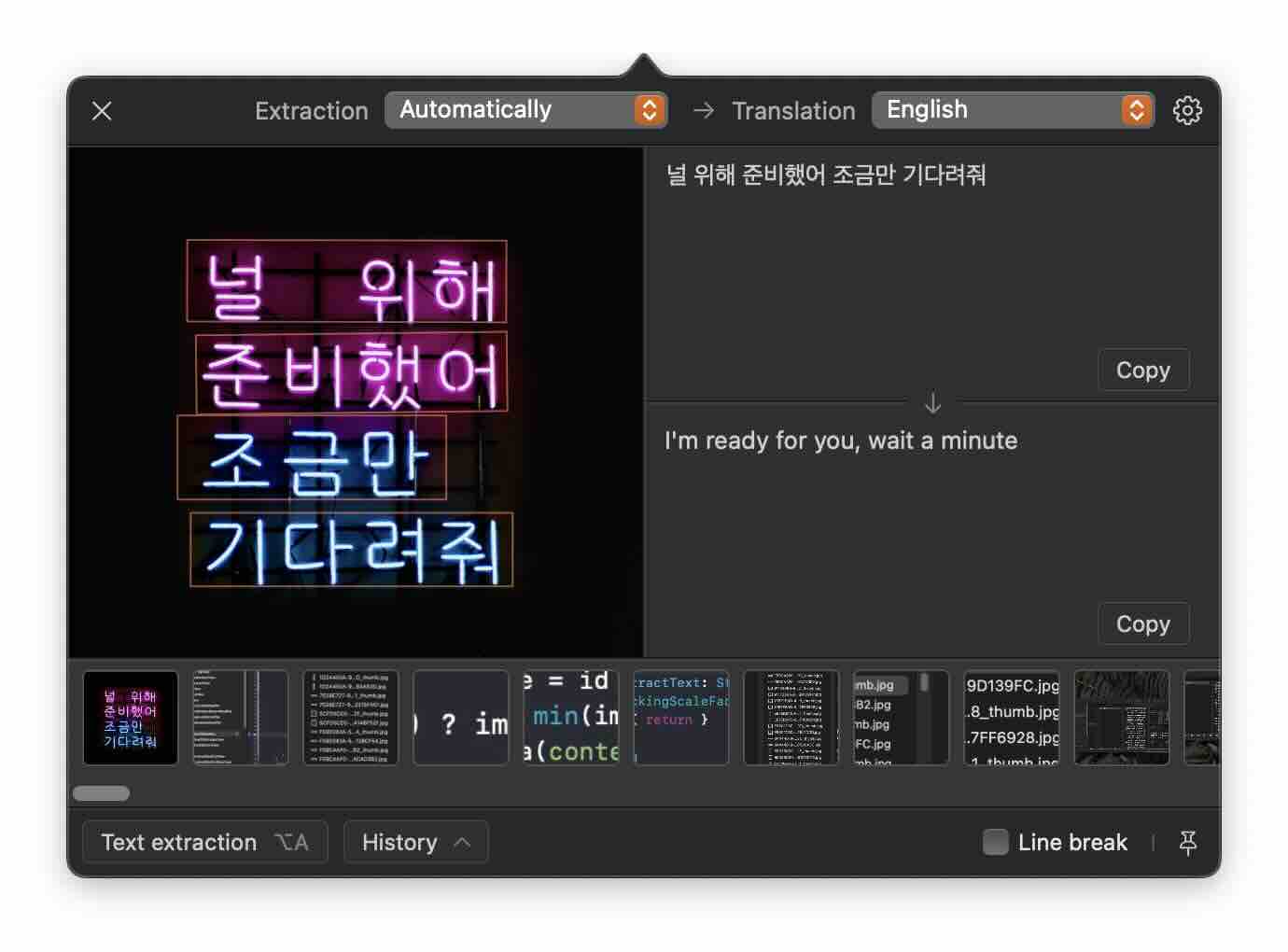
ScanTexter utilizes OCR technology to extract text from your screen and automatically translate it.
OCR (Optical Character Recognition) is a technology that enables computers to recognize and interpret text within images or digital scans. It converts printed or handwritten text into machine-readable text, making it easier to search, edit, and process digital documents. OCR technology is used in a variety of areas, including document scanning, automated data entry, and digital archiving.